Full Android system
Run a complete ARM64 Android system and install standard APK files.
Create Android devices, install APKs, use your Mac keyboard and mouse, or let Codex operate a device.
Not a developer tool squeezed into a window. DroidLume reshapes creation, runtime, and daily device work into one focused workflow.
Run a complete ARM64 Android system and install standard APK files.
Keyboard, mouse, fullscreen, rotation, and screenshots.
Create, clone, and manage independent Android profiles.
Save a stopped device and restore its apps, data, and settings when needed.
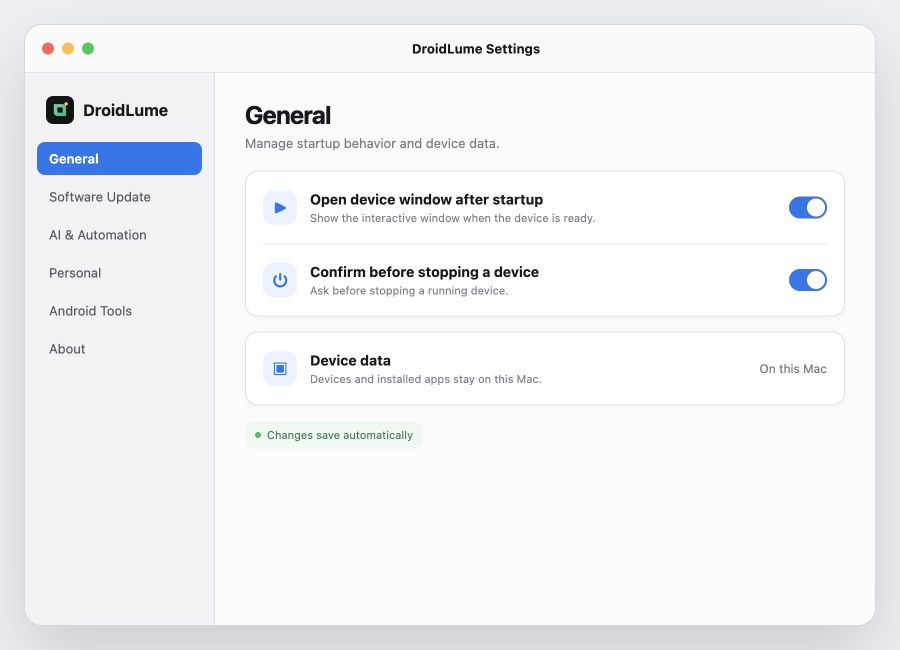
Open the device window automatically after startup, ask before stopping a running device, and keep device data on this Mac by default.
Codex, Claude Code, Cursor, and Gemini use the local control API to start devices, install apps, send input, and inspect screenshots.
$ npm i -g droidlume-agent-control

$ droidlume device list
● SunshineTown · Android · ready

$ droidlume device start DEVICE_ID --show
✓ device running · display connectedFree to download. Your devices and app data stay on your Mac.